HYGINIST 4.4.5 works with Windows 11, both 32-bit and 64-bit, and with earlier Windows versions.
Watch the YouTube video demos first: DEMO of HYGINIST and how to handle undetectables with HYGINIST.
Download: click
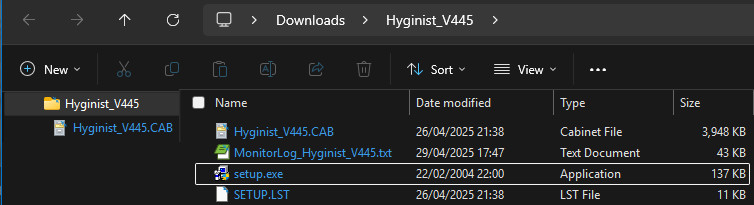
Hyginist_V445.zip to download the compressed installation file (about 4 MB).
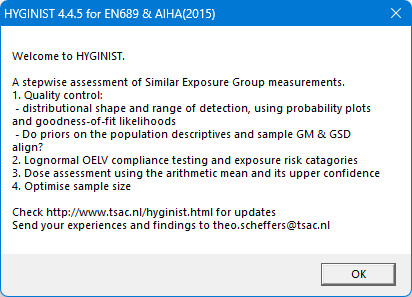
- In 2025 the Welcome to HYGINIST screen appears, explaining the stepwise approach used for measurement data analysis.
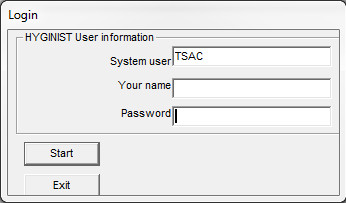
- After 2025 the HYGINIST login screen may appear.
- If you have received a password for your system and your name, fill them in and press <Start>.
- If you do not have a password, press <No> to register. You will receive a password in a few days. Registration is only intended to know who is interested in the program.
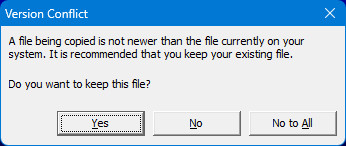
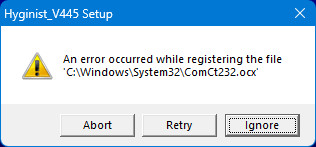
Note: keep existing files when Windows indicates that newer files are already present.
Back to the information page.